How to Build the Perfect Sim-Racing PC: Displays, Wheels, Titles & Streaming
A builder's guide to speccing a sim-racing rig — single vs. triple vs. VR, the CPU and GPU that actually matter, choosing wheels and pedals, iRacing vs. rFactor 2 vs. Assetto Corsa, and whether to stream on one PC or two.
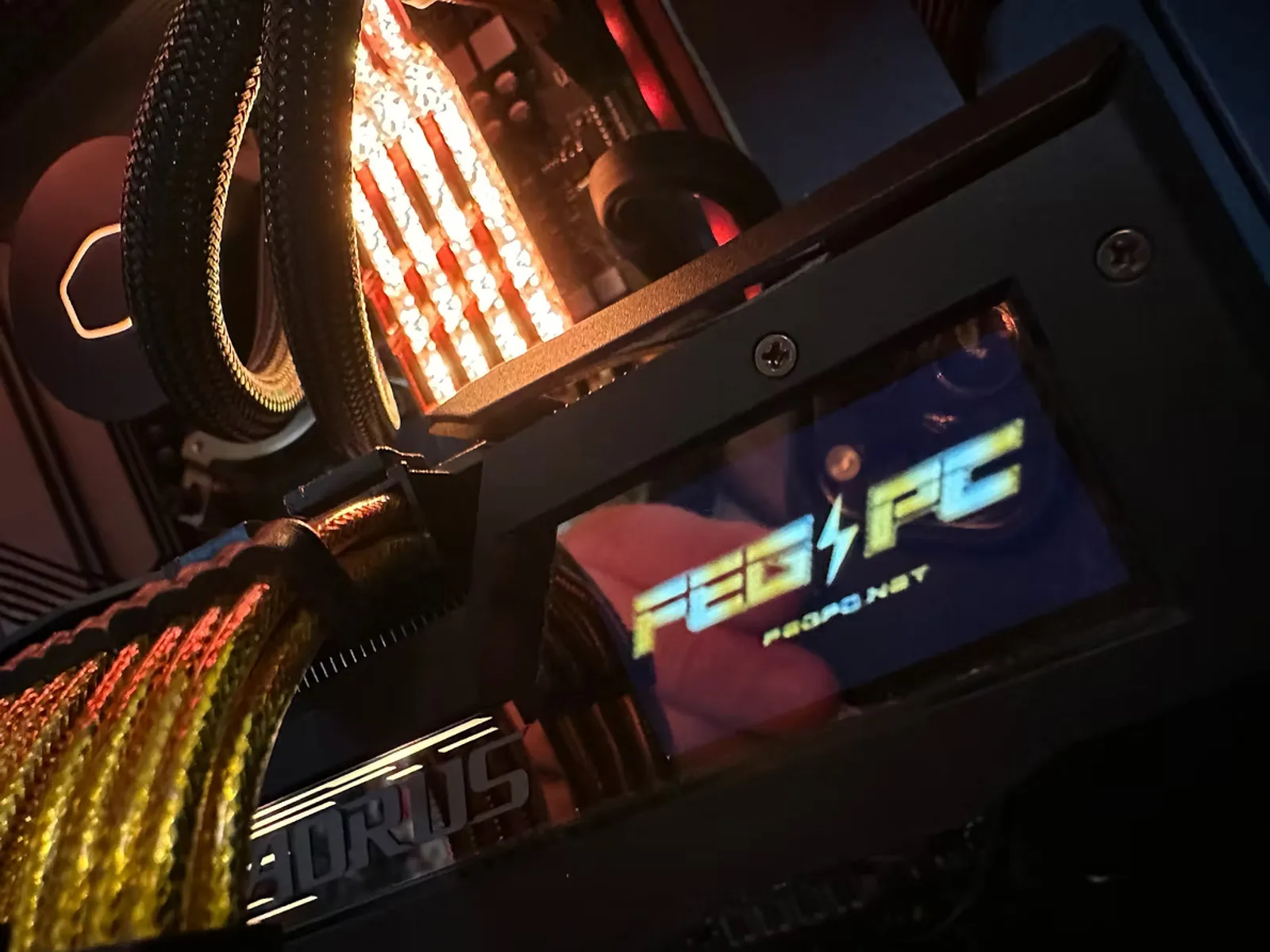
Sim racing is one of the most hardware-hungry things you can do with a PC — but not in the way most people assume. It isn't about chasing the highest number in a benchmark. It's about smooth, consistent frame delivery feeding a wheel that has to feel connected to the road, across a display setup that can range from a single monitor to three screens or a VR headset. Those are very different loads, and the right build depends entirely on how *you* race.
We build sim rigs all day at FEG, so here's how we actually think about it — from the parts that matter to the wheel on your desk to the titles you'll run and whether you should stream on the same machine.
What actually matters in a sim-racing PC
Forget the marketing for a second. In sim racing, four things decide how good the experience feels:
1. CPU — fast cores beat many cores
Sims are sensitive to per-core performance. Titles like iRacing and rFactor 2 lean hard on one or two threads, and a full grid of AI or online cars adds CPU load fast. This is why a chip with 3D V-Cache (like the AMD Ryzen 7 9800X3D) consistently leads in sim titles — that big cache keeps the physics and race logic fed. You don't need 16 cores to race; you need *quick* ones.
2. GPU — it scales with your pixels
The graphics card is the single biggest variable, and how much you need is driven almost entirely by your display setup (more on that next). A single 1440p monitor is easy to drive; triple screens and VR render several times the pixels and can bring even a flagship card to its knees at max settings.
3. Memory & storage
32GB of DDR5 is the sweet spot for racing — enough for the sim, a browser full of setups, Discord, and your telemetry app without swapping. Go 64GB if you also stream or create. For storage, a fast NVMe SSD matters more than you'd think: modern sims plus add-on content and liveries are huge, and quick loads keep you from missing the green flag.
4. Consistency over peak FPS
This is the part people miss. A rig that runs a rock-steady 120 FPS *feels* better than one that spikes to 200 and dips to 90, because force feedback and your inputs ride on frame-time stability. When we spec and tune a sim build, we target consistent frame delivery at your target refresh rate — not a bragging-rights number.
The short version
A strong gaming CPU (ideally 3D V-Cache), a GPU sized to your displays, 32GB RAM, and a fast NVMe. Then tune for consistency, not peak frames.
The biggest decision: single vs. ultrawide vs. triple vs. VR
Your display choice determines your GPU budget more than any other factor. Here's how they stack up:
Single high-refresh monitor
The easiest to drive and a fantastic starting point. A single 1440p or 1080p high-refresh panel lets you put your money into the CPU and a strong mid-to-upper GPU, and hit very high, stable frame rates. If you're new to sim racing, start here.
Ultrawide
A 34" or 49" ultrawide adds real immersion and peripheral vision with only a moderate GPU bump over a single 16:9 screen. It's the sweet spot for a lot of racers — one cable, one config, and a much wider view of the apex.
Triple screens
Three monitors is the classic sim look, and it's genuinely transformative for spatial awareness in traffic. But you're now rendering roughly three times the pixels, so it's very GPU-heavy — this is where you step up to a high-end card. You'll also configure surround (NVIDIA Surround / AMD Eyefinity) and set the correct triple-screen FOV so the proportions are right. We handle that config as part of the build.
VR
VR is the most immersive and the most demanding, full stop. The headset renders two high-resolution views and needs a high, rock-steady frame rate — dips don't just look bad, they can make you queasy. GPU is king here, the CPU still matters for headset overhead, and headroom is your friend. If VR is your priority, plan for a flagship GPU and don't cut corners on cooling.
How we map it
Our FEG Slipstream is tuned for single and ultrawide racing; the FEG Podium is sized for the enormous pixel counts of triple-screen and VR. Not sure which fits? The Sim-Racing PC Finder will point you to the right tier.
Choosing your wheel and pedals
The PC does the thinking, but your hands only feel the wheel and pedals — so this is where the experience lives or dies. FEG builds the computer; these are the third-party peripherals we help customers pair and integrate. Here's the honest lay of the land, by tier.
Wheel bases
- Entry (gear/belt-driven): Logitech G923 and Thrustmaster T248 are the classic starting points — affordable, widely supported, and fine to learn on. You'll feel their limits as you improve, but they're a legitimate first step.
- Mid-range (direct drive, ~5–9 Nm): This is where most serious racers should aim. Moza R5/R9, Fanatec CSL DD / GT DD Pro, and Simagic Alpha Mini deliver clean, detailed force feedback at a sane price. The jump from gear-driven to direct drive is night and day.
- High-end (direct drive, 12–21+ Nm): Fanatec Podium/ClubSport DD, Moza R12/R16/R21, Simagic Alpha U, and Simucube bases give you enormous detail and strength. Overkill for many, essential for the obsessed — and they demand a rigid mount.
Pedals — the upgrade that surprises people
If you improve one thing, make it the pedals. Entry sets use potentiometers that measure brake *travel*; a load-cell brake measures *pressure*, which is how real braking works and is dramatically more consistent lap to lap. Load-cell options like the Fanatec CSL LC, Moza SR-P, Simagic P-series, and (higher up) Heusinkveld are among the best value upgrades in the hobby.
Rims, shifters, and the rig itself
A quick-release wheel rim, an H-pattern shifter or sequential, and a handbrake are worth adding as your interests narrow (drifting, rally, GT). And don't sleep on the cockpit: a flimsy wheel stand flexes under strong direct-drive forces and kills feel. An aluminum-profile rig pays for itself the moment you turn the FFB up.
A note on USB and power
A direct-drive base, a button box, a handbrake, a headset, and a motion platform add up to a lot of USB devices and power draw. We account for USB headroom and clean power in every sim build — it's exactly the kind of detail a boutique shop catches and a mass-market builder doesn't.
iRacing vs. rFactor 2 vs. Assetto Corsa: which should you run?
There's no single "best" sim — they're built for different racers. Here's the straight comparison, plus what each one asks of your hardware.
iRacing
The king of organized online racing. A subscription service with ranked seasons, superb netcode, laser-scanned tracks, and the biggest competitive community anywhere. If you want structured, fair, licensed racing against real people, nothing else is close. Downsides: it's subscription-plus-content pricing, and the graphics show their age. Hardware-wise it rewards a fast CPU and is relatively kind to the GPU at a single screen — which is why the 9800X3D is such a good iRacing chip.
Assetto Corsa (and ACC)
The original Assetto Corsa is the modding king — cheap, endlessly moddable, with a massive library of free cars and tracks and excellent physics. It's the best-value entry into serious sim physics and a brilliant single-player/offline playground. Assetto Corsa Competizione (ACC) is the GT3/GT4-focused sibling: gorgeous (built on Unreal Engine), the official GT World Challenge sim, and the go-to for tin-top GT racing — but noticeably more GPU-hungry, especially in the rain and at triples.
rFactor 2 (and Le Mans Ultimate)
rFactor 2 has some of the best force feedback and tire physics in the business and a pro-sim heritage. The trade-off is a smaller community and a clunkier interface. Its modern sibling, Le Mans Ultimate, brings that physics DNA to the official WEC and Le Mans — the pick if endurance and prototypes are your thing. Like iRacing, these lean on the CPU for physics.
Worth a mention: Automobilista 2 (fantastic feel and variety on the Madness engine) and, again, Le Mans Ultimate are both excellent and worth trying.
So which one?
- Want ranked, competitive online racing? → iRacing.
- Love GT3/GT4 and want it to look stunning? → Assetto Corsa Competizione.
- Want maximum content, mods, and value? → Assetto Corsa.
- Chase the purest force feedback / endurance racing? → rFactor 2 or Le Mans Ultimate.
The hardware takeaway: ACC and heavily-modded AC are the most GPU-demanding, while iRacing and rFactor 2 lean hardest on the CPU. A balanced FEG build handles all of them — we just weight the parts toward the titles and displays you actually use.
Streaming: one machine or two?
Want to broadcast your races? You've got two paths, and the right one depends on how serious your stream is.
Single-PC streaming
Modern GPUs include an excellent hardware encoder (NVENC on NVIDIA cards) that offloads the actual video encoding from your CPU. That means one strong PC can game and stream at the same time at 1080p or 1440p with minimal impact on your frame rate. The keys are enough CPU cores and RAM to run the sim plus OBS plus your overlays — which is why we suggest a higher-core CPU (like the setup in our FEG Broadcast) if streaming is part of the plan. For the vast majority of racers, single-PC is the right call.
Dedicated two-PC setup
A separate streaming/capture PC takes encoding entirely off your gaming rig via a capture card, so your sim runs with zero streaming overhead and your broadcast is more resilient (a crash on one machine doesn't take down the other). The trade-offs are cost, desk space, and complexity. It's the pro/enthusiast move — worthwhile if you're pushing high bitrates, elaborate multi-scene productions, or maxing out a demanding sim at triples/VR while streaming.
Our recommendation
Start single-PC with a strong CPU and NVENC — it's simpler, cheaper, and more than good enough for most streams. Move to a two-PC setup only when your production genuinely outgrows one machine.
Putting it all together
Here's the whole thing in one breath: pick your display setup first (it sets your GPU budget), choose a fast gaming CPU, add 32GB and a quick NVMe, then pair a direct-drive wheel and load-cell pedals on a rigid rig. Match the sim to how you want to race, and stream on one PC until you truly need two.
That's exactly how we spec every FEG sim build — sized to your screens, your titles, and your peripherals, then bench-tested for the consistency that makes a wheel feel alive. If you want a hand, the **Sim-Racing PC Finder turns a few questions into a matched build, or you can talk to a builder and we'll spec it with you. Ready to shop? See our sim-racing PCs or build one from scratch**.
Ready to build your sim-racing PC?
Tell us your displays, titles, and peripherals and we'll spec a machine that fits — hand-built and bench-tested by enthusiasts.
Keep reading
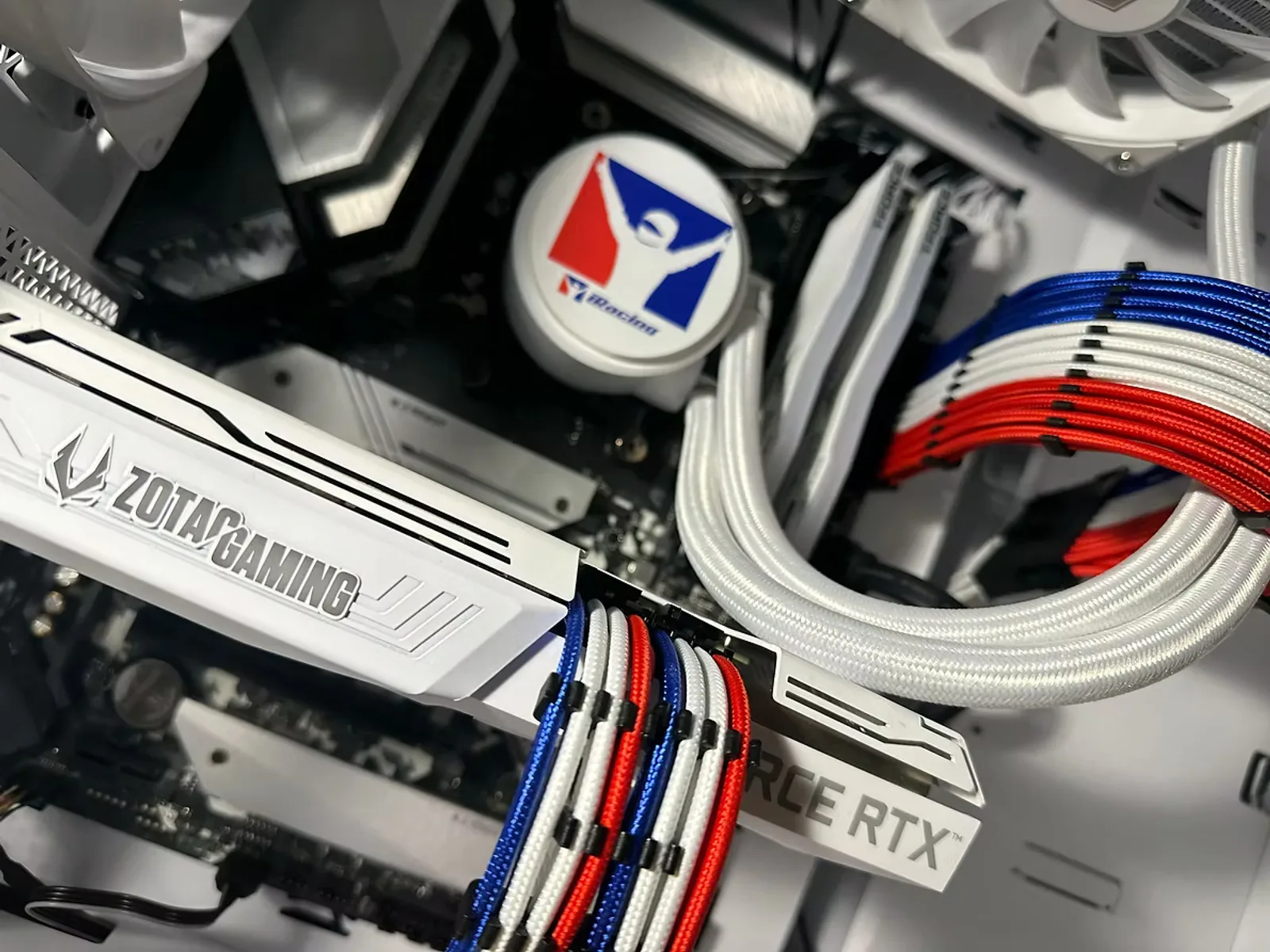
Triple Screens vs. VR for Sim Racing: Which Setup Is Right for You?
Triple monitors and VR are the two great immersion upgrades in sim racing — and they ask very different things of your PC and your wallet. Here's an honest comparison to help you choose.
ReadYour First Sim-Racing Wheel: Direct Drive, Load-Cell Pedals & What to Skip
Direct drive, belt drive, load-cell brakes, quick-release rims — the wheel-and-pedal world is full of jargon. Here's a plain-English guide to what actually matters when you buy your first (or next) sim-racing gear.
Read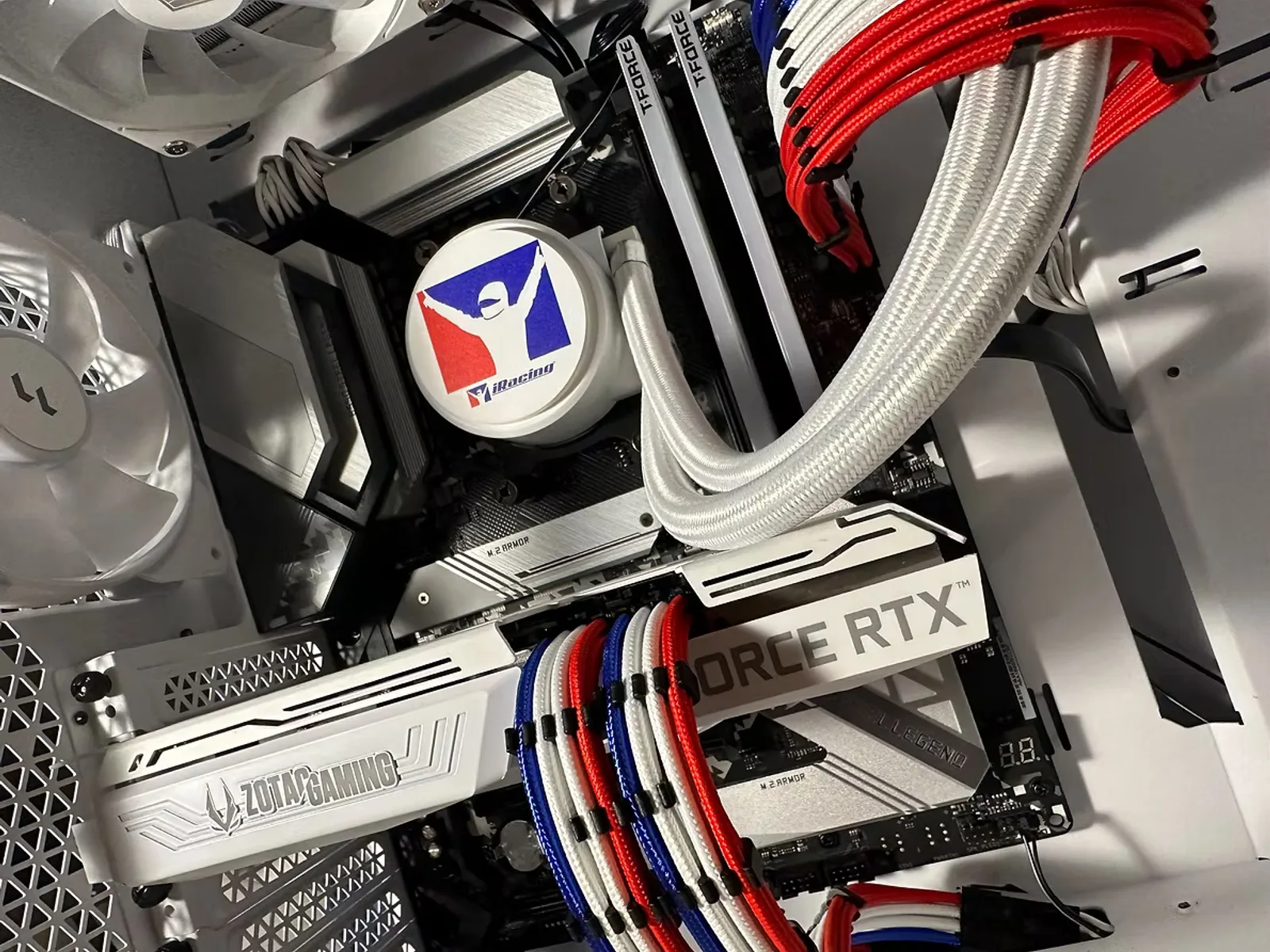
Stream Your Sim Racing: One PC or Two?
Thinking about broadcasting your races? Modern PCs can game and stream at once — but a dedicated second machine has real advantages. Here's how to decide, plus the settings that matter.
Read