Stream Your Sim Racing: One PC or Two?
Thinking about broadcasting your races? Modern PCs can game and stream at once — but a dedicated second machine has real advantages. Here's how to decide, plus the settings that matter.
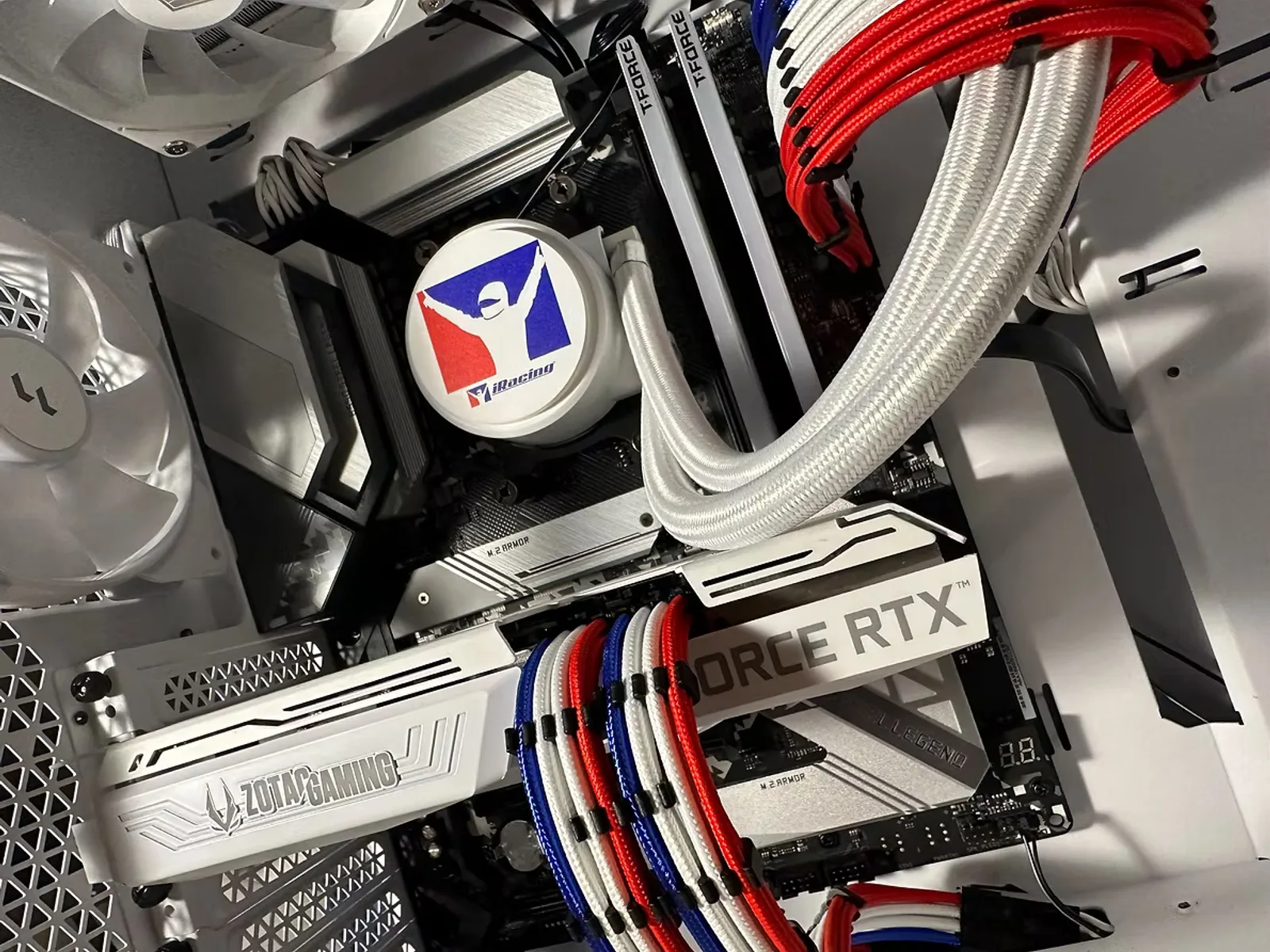
Sim racing is a great thing to stream — the racing is dramatic, the community is engaged, and the barrier to entry is lower than you'd think. The first decision is whether to stream from your gaming PC or add a second machine. Here's the straight answer.
Single-PC streaming (start here)
Modern NVIDIA GPUs include a dedicated hardware encoder called NVENC that handles video encoding separately from your game, so it barely touches your frame rate. In practice, one strong PC can race and stream at once at 1080p or 1440p with minimal impact. The keys are:
- Enough CPU cores to run the sim plus OBS, overlays, and Discord without contention — a higher-core chip helps here.
- 32GB of RAM so nothing swaps mid-race.
- Use the GPU encoder (NVENC), not the CPU (x264) — it's the whole point, and the quality is excellent at sensible bitrates.
Our recommendation
For the vast majority of racers, single-PC is the right call — simpler, cheaper, and more than good enough. Our FEG Broadcast is built for exactly this: enough cores to game and stream smoothly on one machine.
The two-PC setup (when you outgrow one)
A dedicated streaming/capture PC takes encoding entirely off your gaming rig via a capture card. Your sim runs with zero streaming overhead, and your broadcast is more resilient — a hiccup on one machine doesn't take down the other. The trade-offs are cost, desk space, and added complexity.
Go two-PC when you're pushing high bitrates, running elaborate multi-scene productions, or maxing out a demanding sim at triples or VR *while* streaming — the situations where one machine genuinely runs out of headroom.
A few settings that matter
- Cap your in-game frame rate a touch below your monitor's max so there's headroom for the encoder — smoother stream, steadier feel.
- Stream at 1080p60 to start; it looks great, encodes efficiently, and plays nicely with most upload speeds.
- Check your upload bandwidth — a stable connection matters more than a huge bitrate.
Not sure which route fits your plans? **Talk to a builder and we'll size a machine for gaming and streaming together, or take the Sim-Racing PC Finder** and tell us you stream — we'll factor it in.
Ready to build your sim-racing PC?
Tell us your displays, titles, and peripherals and we'll spec a machine that fits — hand-built and bench-tested by enthusiasts.
Keep reading
How to Build the Perfect Sim-Racing PC: Displays, Wheels, Titles & Streaming
A builder's guide to speccing a sim-racing rig — single vs. triple vs. VR, the CPU and GPU that actually matter, choosing wheels and pedals, iRacing vs. rFactor 2 vs. Assetto Corsa, and whether to stream on one PC or two.
Read
Triple Screens vs. VR for Sim Racing: Which Setup Is Right for You?
Triple monitors and VR are the two great immersion upgrades in sim racing — and they ask very different things of your PC and your wallet. Here's an honest comparison to help you choose.
ReadYour First Sim-Racing Wheel: Direct Drive, Load-Cell Pedals & What to Skip
Direct drive, belt drive, load-cell brakes, quick-release rims — the wheel-and-pedal world is full of jargon. Here's a plain-English guide to what actually matters when you buy your first (or next) sim-racing gear.
Read