Triple Screens vs. VR for Sim Racing: Which Setup Is Right for You?
Triple monitors and VR are the two great immersion upgrades in sim racing — and they ask very different things of your PC and your wallet. Here's an honest comparison to help you choose.
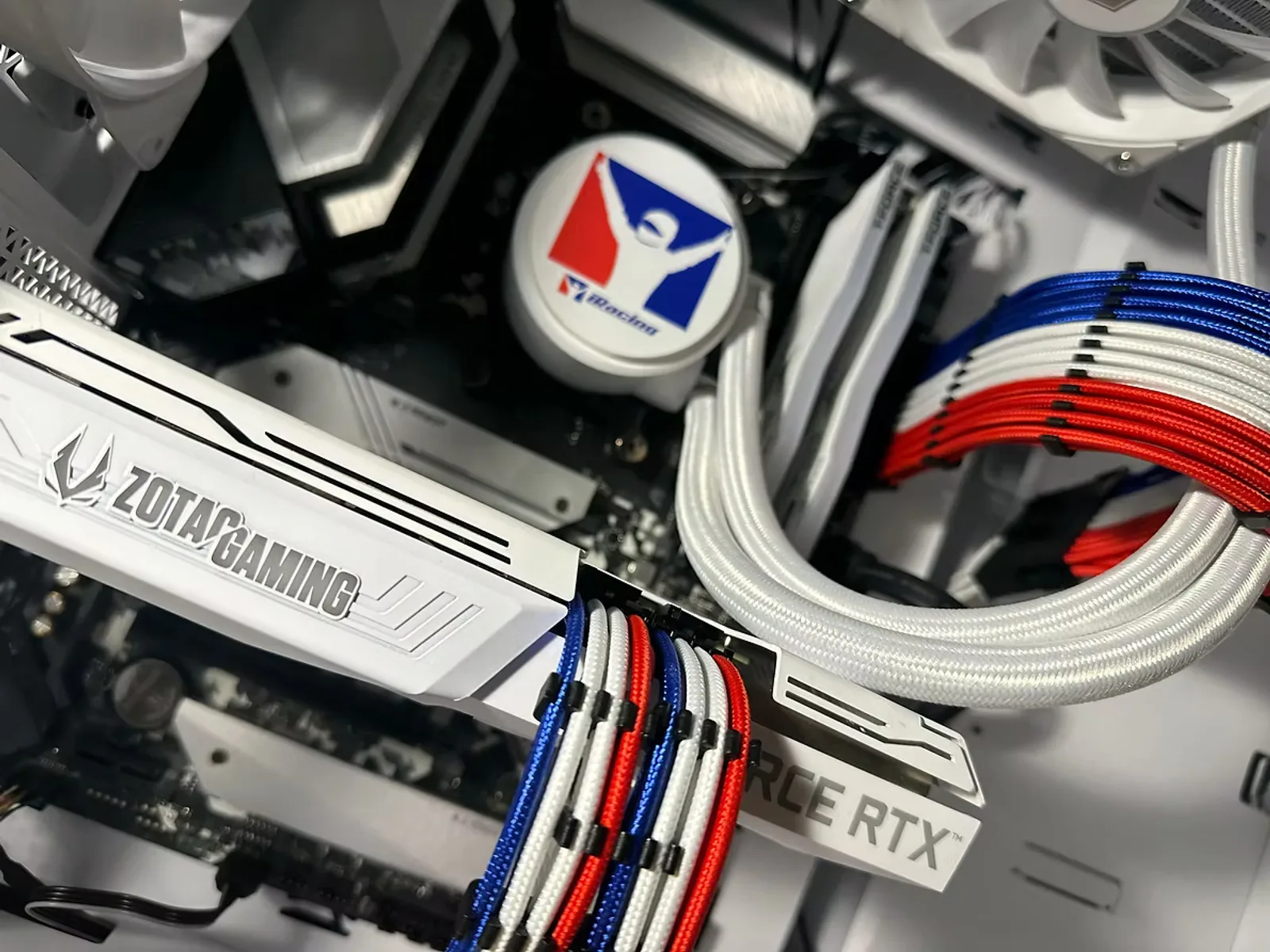
Once you've raced on a single monitor for a while, the question isn't *if* you'll want more immersion — it's *which* direction to go: triple screens or VR. Both are fantastic. Both are demanding. And they suit different racers. Here's how we help customers decide.
What each one feels like
Triple screens wrap your peripheral vision in the track. You can glance to an apex, place the car in traffic, and judge braking points with your side vision — all while keeping the comfort and clarity of flat panels. It's the setup you see in most pro and league racers' rooms.
VR drops you *inside* the car. Depth perception is unmatched — you feel the crest of a hill, the height of a curb, the exact distance to the car ahead. Nothing else is as convincing. The trade-offs are headset comfort over long stints, resolution/clarity that (while improving fast) still trails good monitors, and the fact that you can't easily see your wheel, keyboard, or a drink.
What each one demands from your PC
This is where the decision gets real. Both setups are GPU-bound, but in different ways:
- Triple screens render roughly three times the pixels of a single display. Frame rate scales with total resolution, so you want a high-end GPU — and you'll configure NVIDIA Surround / AMD Eyefinity plus the correct triple-screen FOV so the geometry is accurate.
- VR renders two high-resolution views and is unforgiving about frame drops — a stutter that just looks bad on a monitor can make you queasy in a headset. You want a flagship GPU, generous cooling headroom, and a CPU quick enough to handle headset overhead.
The common thread
Both push far more GPU than a single screen. If triples or VR are your goal, that's exactly the tier our FEG Podium is built for — flagship graphics with the cooling to hold performance through a long race.
Cost, space, and comfort
Triples mean three monitors, three stands or a monitor mount, and desk/rig width to hold them — more upfront cost and space, but a setup you can use for everything, all day, with zero fuss. VR is a single headset (often cheaper than three good monitors) but adds the comfort question over long sessions and a bit of setup ritual each time.
So which should you buy?
- Choose triples if you race long sessions, stream, or want one setup that also handles desktop work and other games comfortably.
- Choose VR if ultimate immersion and depth perception are the whole point, and you're okay trading some clarity and convenience to get there.
- Can't decide? Many racers run a single ultrawide now and add triples or VR later — we build with the GPU and power headroom to make that upgrade painless.
Tell us your displays and titles in the **Sim-Racing PC Finder, or talk to a builder — we'll size the GPU to exactly the immersion you're after. Browse sim-racing PCs** to see where to start.
Ready to build your sim-racing PC?
Tell us your displays, titles, and peripherals and we'll spec a machine that fits — hand-built and bench-tested by enthusiasts.
Keep reading
How to Build the Perfect Sim-Racing PC: Displays, Wheels, Titles & Streaming
A builder's guide to speccing a sim-racing rig — single vs. triple vs. VR, the CPU and GPU that actually matter, choosing wheels and pedals, iRacing vs. rFactor 2 vs. Assetto Corsa, and whether to stream on one PC or two.
ReadYour First Sim-Racing Wheel: Direct Drive, Load-Cell Pedals & What to Skip
Direct drive, belt drive, load-cell brakes, quick-release rims — the wheel-and-pedal world is full of jargon. Here's a plain-English guide to what actually matters when you buy your first (or next) sim-racing gear.
Read
Stream Your Sim Racing: One PC or Two?
Thinking about broadcasting your races? Modern PCs can game and stream at once — but a dedicated second machine has real advantages. Here's how to decide, plus the settings that matter.
Read